Published: October 23, 2026
Category: Cybersecurity | PHP | Web Development
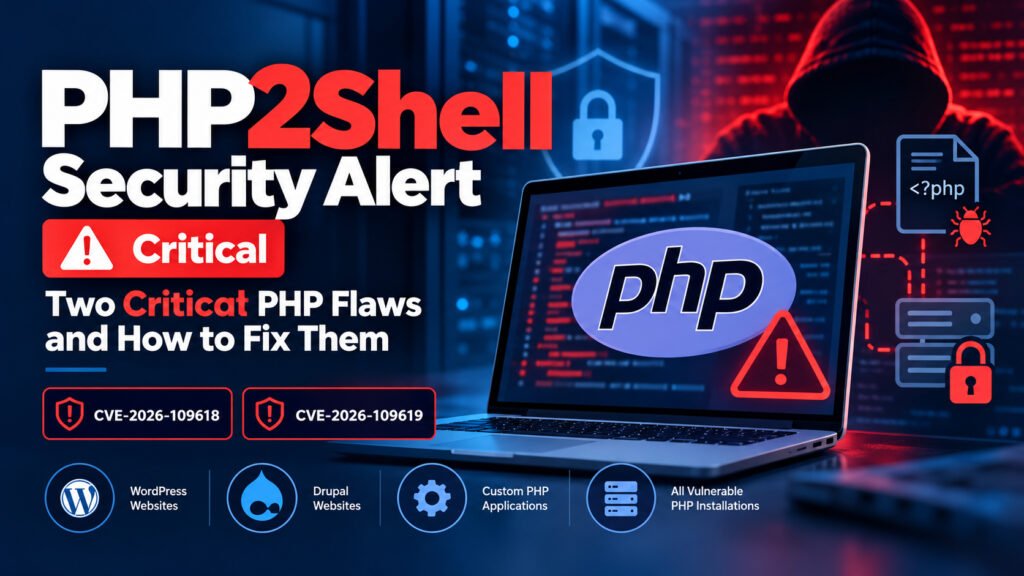
PHP developers and website administrators should take immediate action following the disclosure of two critical security vulnerabilities in PHP, known as PHP2Shell. Identified as CVE-2026-109618 and CVE-2026-109619, these flaws could allow attackers to execute malicious code on vulnerable servers without authentication.
Since PHP powers popular content management systems (CMS) such as WordPress and Drupal, website owners should check their server configurations and install the appropriate security updates as soon as possible.
What Is the PHP2Shell Security Vulnerability?
PHP2Shell refers to two vulnerabilities affecting PHP’s internal memory handling and request processing. Under certain conditions, these flaws can cause memory corruption or allow PHP to access invalid internal data.
An attacker may exploit these conditions to execute commands on a vulnerable server without logging in. Depending on the server configuration and the success of an attack, this could lead to website defacement, data theft, exposure of sensitive credentials, or further server compromise.
According to the official PHP security advisory, the PHP development team has released security updates to address both vulnerabilities.
Details of the Two Critical PHP Flaws
1. CVE-2026-109618
This vulnerability involves PHP’s handling of out-of-memory conditions. If an operation is interrupted, internal request data may remain partially initialized, potentially allowing unsafe processing and memory corruption.
2. CVE-2026-109619
This flaw involves internal request state that may remain accessible after its associated memory has been freed. Under certain conditions, a subsequent request may access this invalid state, creating a potential security risk.
Both vulnerabilities can create opportunities for unauthenticated remote code execution. The actual risk depends on the PHP version, server configuration, and deployment environment.
Which Websites Are at Risk?
Any vulnerable PHP installation that serves web requests should be assessed. This includes websites and applications running PHP through PHP-FPM, Apache mod_php, php-cgi, FrankenPHP, and LiteSpeed.
Websites built with the following platforms may also be affected when they use a vulnerable PHP installation:
WordPress: Business websites, blogs, online stores, and membership platforms.
Drupal: Enterprise websites, portals, and content management systems.
Custom PHP applications: Websites and web applications developed using PHP frameworks or custom code.
Important: This is a PHP runtime security issue, not necessarily a WordPress or Drupal plugin vulnerability. Updating plugins alone will not fix a vulnerable PHP installation.
How to Fix the PHP2Shell Vulnerability
Website administrators should prioritize these security measures.
1. Update PHP to a Patched Version
The PHP team has released the following security updates:
PHP 8.5.12
PHP 8.4.27
PHP 8.3.36
PHP 8.2.35
Check the official PHP security advisory for details. If your website uses PHP 8.1 or an older unsupported branch, migrate to a currently supported PHP version with the appropriate security fixes.
Before updating, take a complete website and database backup, verify application compatibility, and test the changes on a staging environment whenever possible.
2. Check Your Hosting Environment
Log in to your hosting control panel, such as cPanel or your hosting provider’s dashboard, and check the PHP version assigned to your website. If you manage a VPS, server, or containerized environment, check every PHP installation that serves web requests.
Contact your hosting provider if you cannot update PHP yourself. Confirm that the active runtime—not just the version shown by a local command or a different website—is patched.
3. Review Website Security
After updating PHP, review server logs and website activity for suspicious requests, unexpected file changes, unfamiliar administrator accounts, and unusual outbound connections.
If you suspect a compromise, preserve relevant logs, investigate the server, rotate exposed passwords and API keys, and restore from a known-clean backup if necessary. A PHP update fixes the vulnerability but does not automatically remove malware that may already be present.
4. Maintain Regular Security Updates
Keep WordPress core, Drupal core, themes, plugins, PHP dependencies, and server software updated. Use strong authentication, restrict administrative access, maintain tested backups, and deploy a web application firewall where appropriate.
A firewall can provide an additional layer of protection, but it should not replace the official PHP security updates.
Does a PHP Critical Error Mean Your Website Has Malware?
No. A PHP critical error does not automatically mean your website has been hacked or infected with malware. Critical errors can also result from incompatible plugins, theme conflicts, unsupported PHP functions, or coding issues.
However, given the PHP2Shell disclosure, administrators should investigate unexpected errors alongside their PHP version and security logs rather than assuming the problem is harmless.
Final Thoughts
PHP2Shell highlights the importance of maintaining a secure and supported server environment. The vulnerabilities CVE-2026-109618 and CVE-2026-109619 can expose vulnerable PHP installations to serious attacks, including potential remote code execution.
For WordPress developers, Drupal developers, and website owners, the recommended priority is clear: check your PHP version, apply the appropriate security update, test your website, and investigate any signs of compromise.
At AddSkills, we encourage web developers and IT professionals to stay informed about emerging cybersecurity threats and follow secure development and website maintenance practices.
Official reference: PHP Security Advisory — October 21, 2026
Trending Posts


Stay ahead in tech
Get weekly industry insights, new course alerts, and career tips — directly from our expert faculty.